Laserbook App — Play Laser Book 247 on Mobile
Searching for a Laserbook app download? Here is the honest answer: you do not need an APK. The Laser Book 247 platform is built for mobile browsers — Chrome on Android or Safari on iPhone runs the full exchange and casino, and you can pin it to your home screen so it opens exactly like an app. This also keeps you safe: APK files shared in forwards and Telegram groups are a common way fake sites steal IDs and deposits.
Use Laserbook Like an App in 3 Steps
- Open the platform link on your phone — the one from your official WhatsApp chat. No ID yet? Get one here first.
- Add it to your home screen. Android Chrome: menu (⋮) → "Add to Home screen". iPhone Safari: Share → "Add to Home Screen". An icon appears like any installed app.
- Tap the icon and log in. Enter your Laser ID and password — the login guide covers every step and common errors.
Works on any recent Android or iPhone. Nothing to update, nothing to sideload, no storage used.
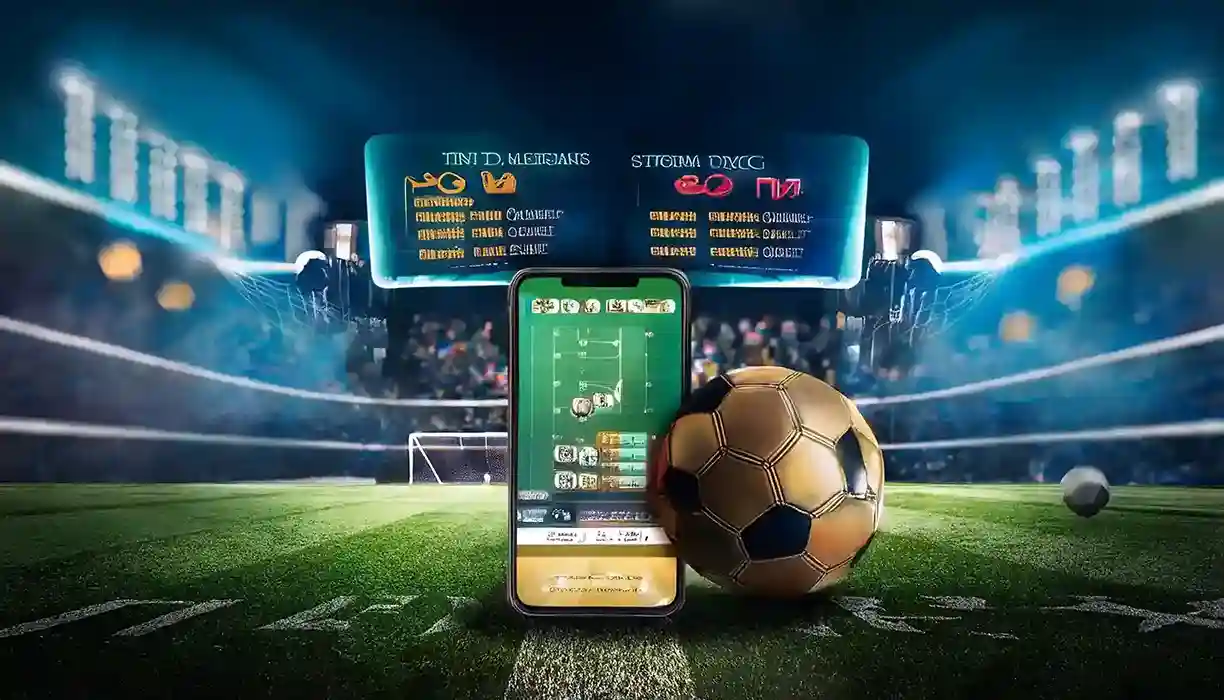
Everything Works on Mobile
The mobile platform is the same account and balance as desktop: live cricket exchange with session and fancy markets, in-play odds that update ball by ball, live casino streams, deposits and withdrawal requests — all sized for one-hand use. Because it runs in the browser, you always have the latest version automatically.
- Live in-play cricket rates, made for slower mobile networks
- Same wallet across phone, tablet and desktop
- No APK permissions, no sideloading risk, no updates to install
Home-Screen Site vs an APK — the Honest Comparison
| What matters | Laserbook in your browser | An APK from a forward |
|---|---|---|
| Where it comes from | The link in your official WhatsApp chat | Unknown — anyone can rename a file "Laser Book 247" |
| Updates | Automatic, every time you open it | Manual; old versions stop working |
| Phone permissions | None beyond the browser | Often asks for contacts, SMS, storage |
| Storage used | Almost nothing | Tens of megabytes |
| Password safety | Typed only on the genuine platform | Can be captured by the file's author |
| Works on iPhone | Yes | No |
The browser version wins on every line that matters, which is why the official Laserbook does not publish an APK. If a real app is ever released, it will be announced on this page and in the official WhatsApp — nowhere else.
Mobile Tips for Live Cricket Betting
- Keep one browser for Laserbook. Chrome on Android, Safari on iPhone. Avoid "lite" or in-app browsers from other apps — they drop live rate updates.
- Turn off data saver for the browser while a match is live; compressed connections delay in-play odds.
- Refresh if rates freeze for more than a few seconds — a pull-down refresh reconnects the market feed without logging you out.
- Log in before the toss. Networks are slowest in the minute a big match starts; be inside the market list already.
- Older Android phones work fine. The platform is light; if it feels slow, clear the browser cache once and close other tabs.

Warning: "Laserbook APK" downloads are not official
We do not distribute an APK on file-sharing sites, Telegram channels or forwarded messages. Any "Laser Book 247 app download" from those sources is a fake that can steal your login and deposits. The only genuine access is the platform link from the official WhatsApp — verify every channel on our About page.
Laserbook App — FAQs
Is there a Laserbook app for Android?
Laserbook runs fully in the Chrome browser on Android — no APK is needed. Add the platform link to your home screen from the Chrome menu and it opens like an installed app.
Is there a Laser Book 247 app for iPhone?
Yes, the same way: open the platform link in Safari and use Share → Add to Home Screen. The full exchange and casino work on iOS without any download.
Where do I download the Laserbook APK?
Nowhere — and be careful: APKs offered on Telegram or file-sharing sites are fakes that steal IDs. The official platform is browser-based; the genuine link always comes from the official WhatsApp chat.
How do I log in on the mobile app?
Tap your home-screen icon (or open the platform link), then enter the Laser ID and password from your WhatsApp chat. The login guide on this site walks through every step.
Does the Laserbook app work on a low-end Android phone?
Yes. The platform is light and runs in Chrome on any recent Android. If live rates feel slow, turn off data saver for the browser and close other tabs.
Does mobile use the same account as desktop?
Yes — one Laser ID, one balance, everywhere. You can start a session on your phone and continue on a laptop with nothing to sync.